A product is a character too
A single generate_image(prompt) tool works exactly once. The moment images become a repeated job — the same subject, the same product, ten different settings — it stops being a tool problem and starts being a workflow problem.


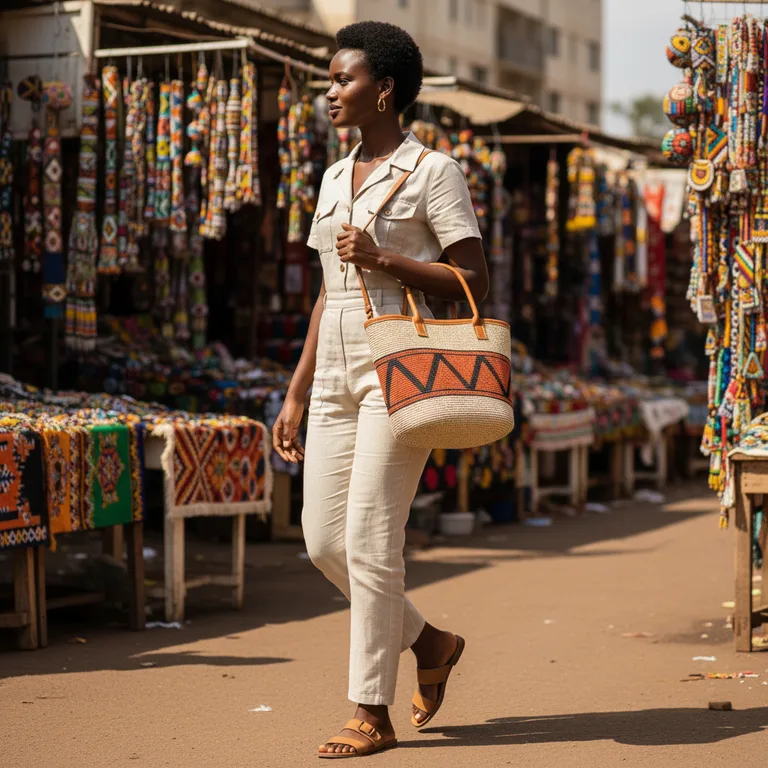
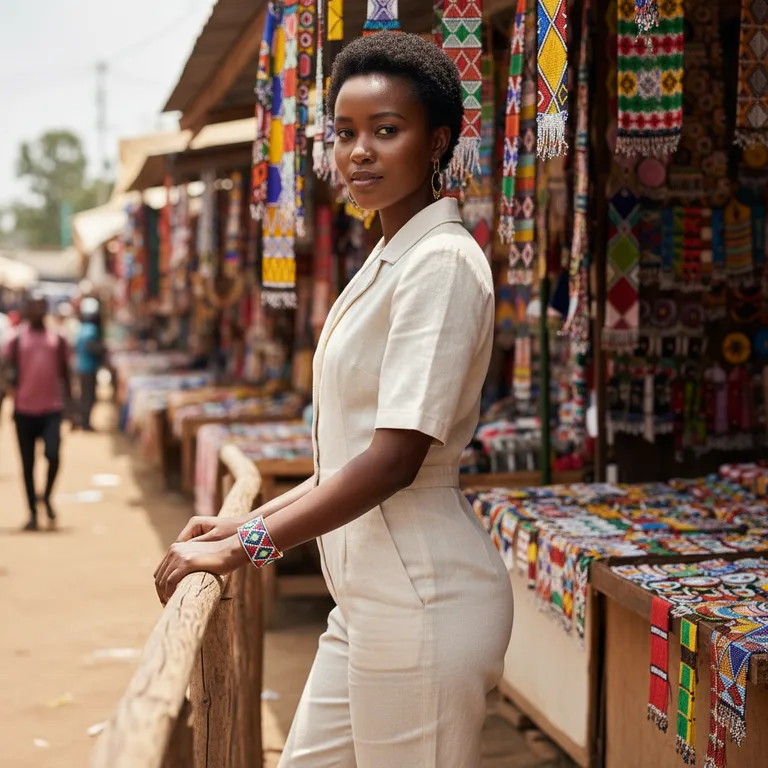
A friend of mine runs a service in Nairobi: businesses send him their inventory, and he produces catalog imagery — the product worn or carried by a model, photographed around the city. Rooftops in Kilimani, the red-earth paths of Karura, the stalls at Maasai Market.
It is a good business and a miserable workflow. Twenty items across five locations is a hundred setups, and each one is a fresh chance for the model's face to shift, the bag to change colour, or the light to stop matching the rest of the set. That is the problem glove-image was built for.
Prompts are built, not typed
The prompt that actually works is never the sentence a user says. It is their intent, plus the house style, plus the character's canonical description, plus the scene's palette, plus whatever rewriting the target model responds to. That is a pipeline with stages, and most implementations inline it into a template string and lose every intermediate state — including the reason the final prompt looks the way it does.
So the pipeline is the primitive. An intent runs through ordered inbetweens, each a small named transform, each appending to a trace:
await mountImage(glove, {
  adapter: openrouterImages(),
  assets, library,
  pipeline: [
    expandCharacters(),   // splice each character's canonical wording, verbatim
    expandScenes(),       // splice the setting block
    styleDirective("editorial catalog photography, natural daylight"),
    llmEnhance(),         // one rewrite pass — forbidden from touching identity wording
  ],
  // fitToModel() is always appended last.
});
The last stage is the one that earns its place. fitToModel() reconciles the request against what the adapter actually supports — folding negatives into the prompt when the model has no negative slot, dropping reference roles it does not honour, snapping sizes, clamping candidates. Every one of those adjustments is written into the trace and handed back to the agent:
{
  "assets": [
    {
      "id": "img_…",
      "width": 1024,
      "height": 1024
    }
  ],
  "degradations": [
    "expand-characters: Expanded 2 character(s).",
    "expand-scenes: Expanded scene \"kilimani-rooftop\".",
    "fit-to-model: No negative-prompt slot — folded into the prompt as an Avoid clause."
  ],
  "usage": {
    "requests": 1,
    "cost_usd": 0.0391692
  }
}
This matters more than it sounds. A model that silently receives fewer reference images than it asked for produces a confusing result and no explanation. Telling it what changed is the difference between a bug and a fact.
Consistency is repetition, not memory
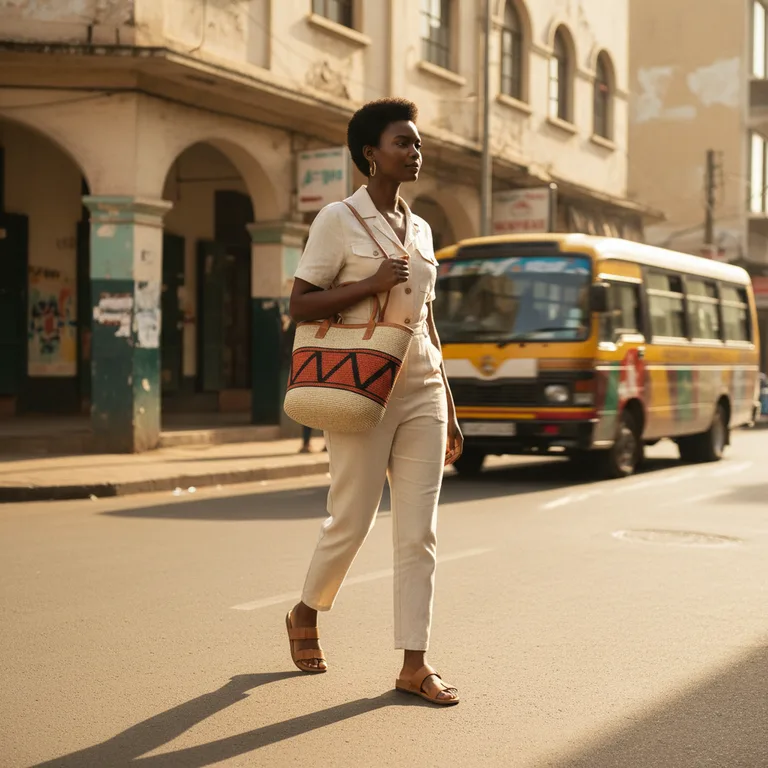
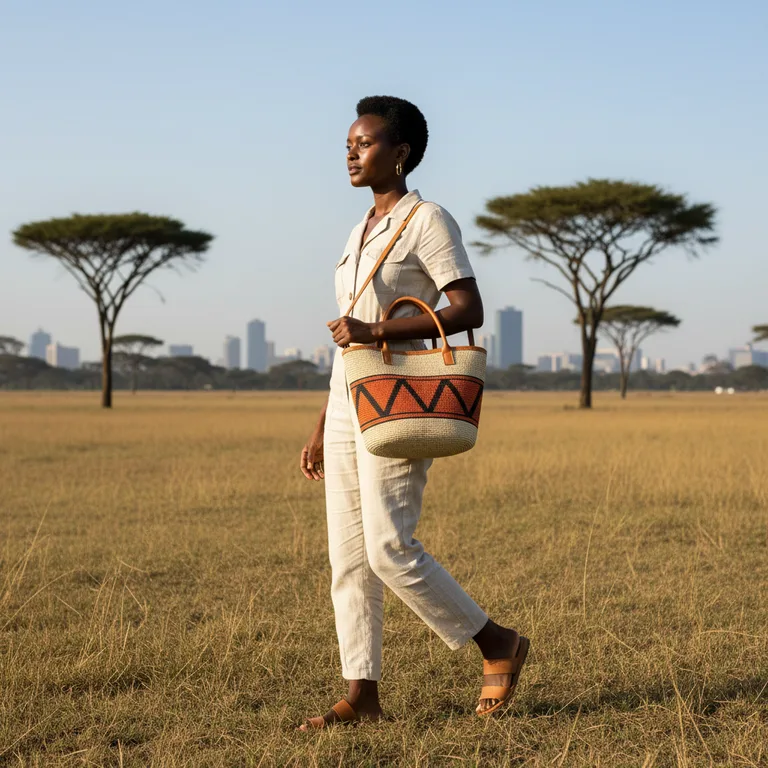
“Draw Mira again, but at the harbour” only works if Mira is a durable thing. Not a phrase the model half-remembers from six turns ago — an actual record, with wording that does not move.
glove_image_character_save({
  name: "amara",
  appearance:
    "a Kenyan woman in her late 20s, warm dark brown skin, short natural afro, " +
    "delicate gold hoop earrings, wearing a fitted cream linen jumpsuit and tan sandals",
  notes: "House model, SS26 line.",   // never sent to the image model
  negative: "no sunglasses, no hat",
})
That appearance paragraph is spliced into every prompt that names this character, word for word. The LLM rewrite pass is explicitly instructed not to touch it, because identity consistency dies in paraphrase — “short natural afro” rewritten to “cropped curls” is a different person.
A product is a character too
Here is the part that took me a while to see. A character in this system is not “a person”. It is a durable visual identity: wording that must stay stable, reference images that anchor it, and negatives that fence off drift.
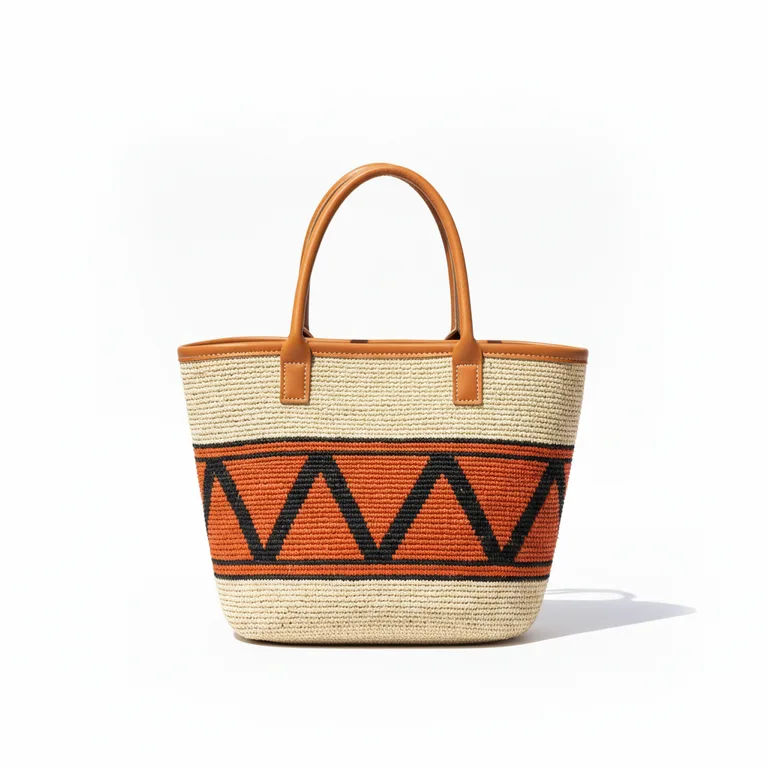
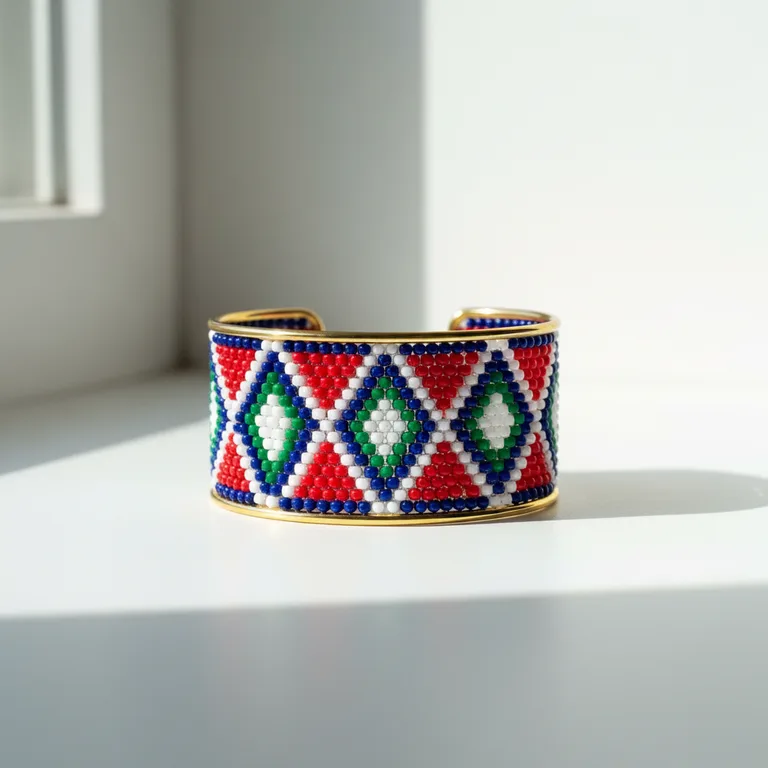
A handwoven kiondo tote is exactly that. So is a beaded cuff. So is every item in a client's inventory. The packshot the business already sent becomes the product's identity reference, and the item joins the library beside the model:
glove_image_character_save({
  name: "kiondo-tote",
  appearance:
    "a handwoven Kenyan kiondo tote bag in natural cream sisal with a band of " +
    "burnt-orange and black geometric pattern, tan leather handles and trim",
  ref_images: [{ asset: packshotId, label: "packshot" }],
})

// Then both, in one frame:
glove_image_generate({
  intent: "Amara walking, carrying the tote on her shoulder",
  characters: ["amara", "kiondo-tote"],
  scene: "kilimani-rooftop",
})
Once products are characters, the catalog matrix collapses. Adding a second item is not a second project — it is another name in an array:


Revisions should not re-derive the brief
Clients do not ask for new images. They ask for the same image, but — at dusk, in the rain, with the other colourway. If the only record of how a shot was made is the conversation that produced it, then every revision is a reconstruction.
So every generated asset stores its own Recipe: the intent, the final prompt, the characters and scene, the refs, the full trace, and what it cost. “Same but at dusk” is then one call.
glove_image_regenerate({ asset: "img_…", tweak: "at dusk, city lights just coming on" })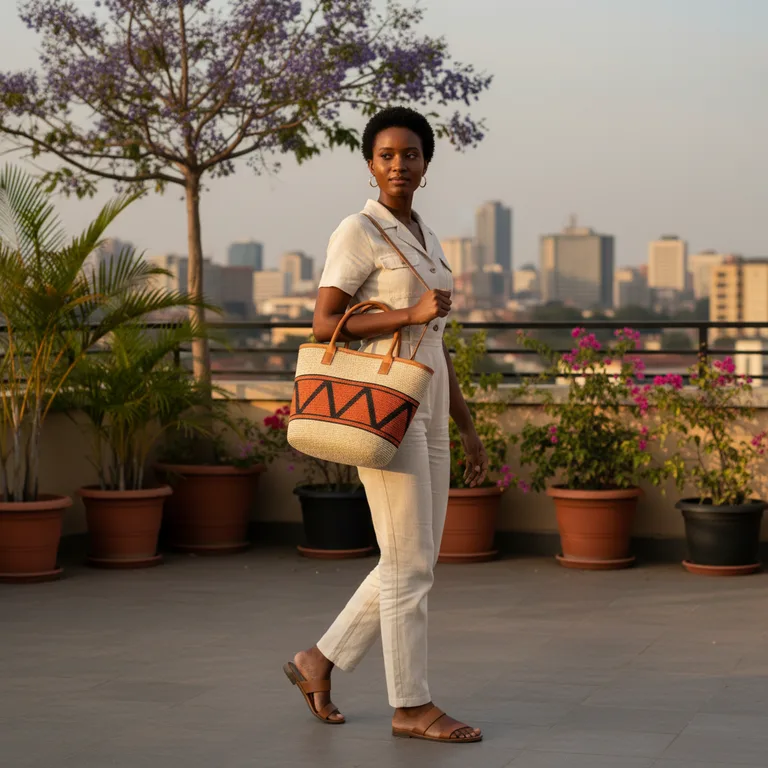

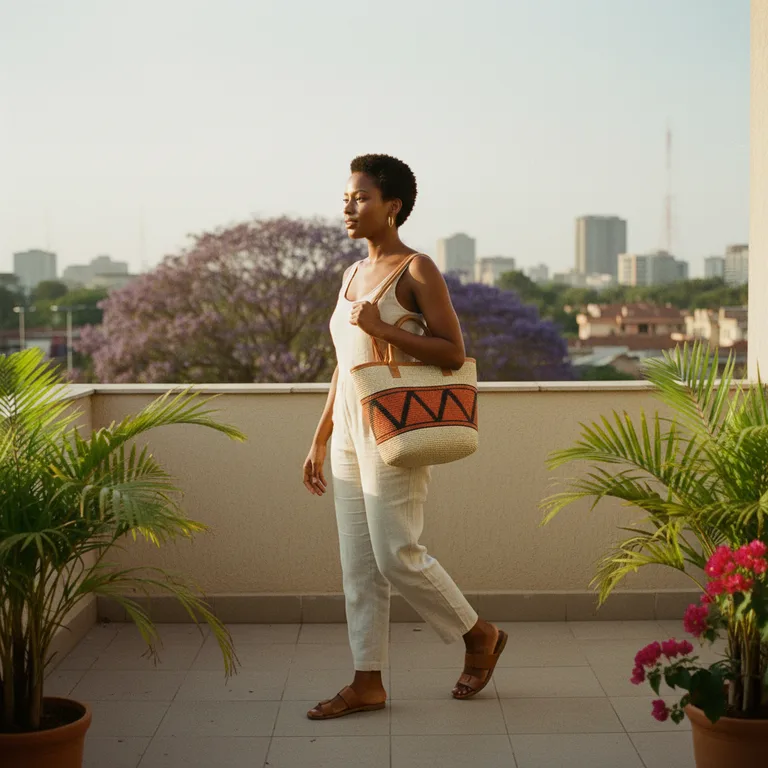
The same logic covers house style. Identical intent, identical characters, identical scene — one line of the pipeline changes, and the catalog is re-shot for a different channel:



Know what it cost
Generation spends real money, and a service business needs to price a job before quoting it. Every model-touching call is metered — the generation, the LLM rewrite pass, any vision review — and attributed by source.
The images on this page, and every other image in the gallery, came from one scripted run: 19 images for $0.78, about four cents each, with no hand-picking and no retries. The agent can read the same figures mid-conversation with glove_image_usage; a host can stream them into billing through an onUsage callback.
Where this stops working
I would rather say that here than have someone discover it on a client job. The useful version of this tool is the one whose limits you know before you quote.
Try it
pnpm add glove-imageThe guide covers the full design — pipeline internals, writing your own inbetween, reference roles, editing, assembly, the vision review loop, and the storage seams you replace in production. The gallery shows every image with the prompt that produced it and a canvas drawing one image's real provenance. And examples/image-studio in the repo is a runnable art-director agent that does all of this from plain conversation.
The obvious next thing is video. The package is deliberately scoped to stills for now.